Hearing Aid Maintenance and Widex App Videos
Patient Video Library
Hearing Aid Care and Technology Help
A few simple habits can help your hearing aids stay clean, comfortable, and working properly. Use the videos below for guidance with routine maintenance and the Widex hearing aid app.
Need personal assistance? Call us at
203-668-0619

Routine Hearing Aid Maintenance
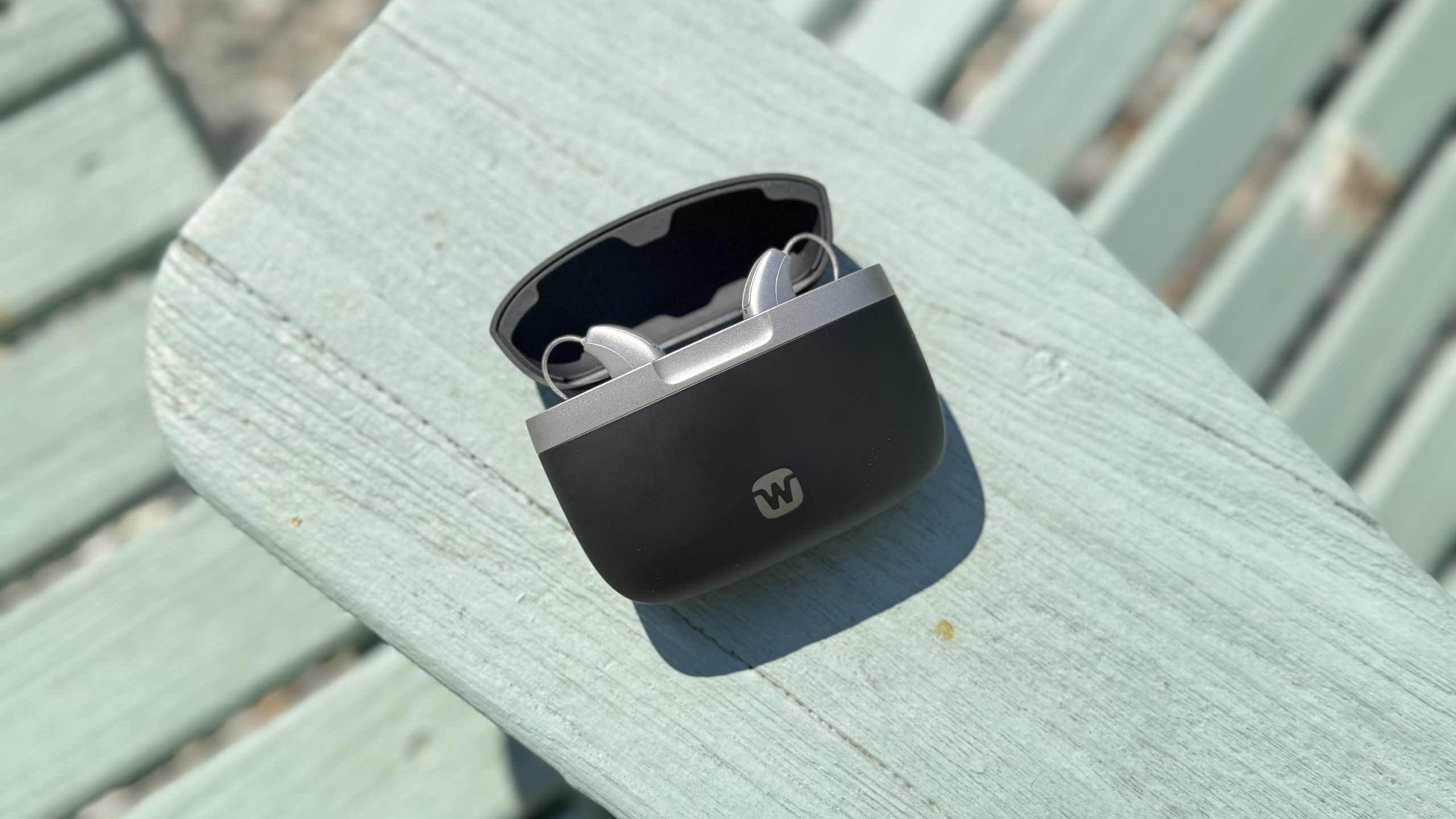
Learn basic steps that can help keep your Widex Allure hearing aids clean and working reliably.
Routine care may include:
- Wiping the hearing aids with a clean, dry cloth
- Checking domes and openings for wax or debris
- Replacing wax filters when needed
- Charging the hearing aids or replacing batteries
Do not place hearing aids in water or use household cleaning products on them. Contact our team when you are uncertain about a part or cleaning step.
Widex Hearing Aid App Tutorial
See how to use the Widex app to manage everyday hearing aid settings from your smartphone.
Depending on your hearing aid model, the app may allow you to:
- Adjust hearing aid volume
- Change listening programs
- Check battery status
- Personalize settings for different environments
- Locate a misplaced hearing aid when supported by the device
Before Calling for Help
These quick checks resolve many common hearing aid concerns.
No sound?
Confirm the hearing aid is charged or has a fresh battery, then check the wax filter.
Sound is weak?
Inspect the dome, earmold opening, and wax filter for blockage.
App disconnected?
Confirm Bluetooth is on, close and reopen the app, and restart the phone if necessary.
Still Need Help?
Hearing aids sometimes need professional cleaning, repair, or adjustment. Audiology Concierge can help in our office or, when appropriate, in the environment where you use your hearing aids most.